
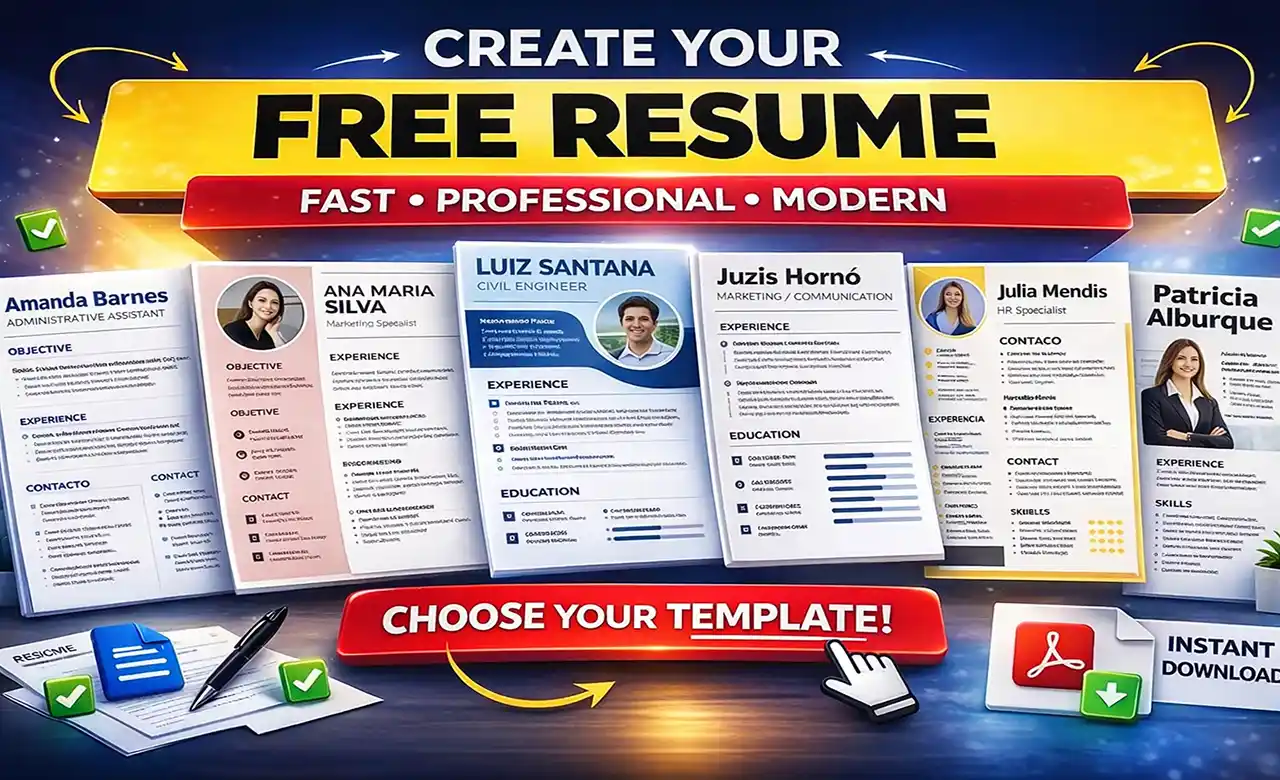
Why Use a Resume Builder?
Sure, you can create a resume in Word. But the headaches with formatting, inconsistent margins, and the struggle to fit everything onto one page are all too real. A dedicated Free Resume Builder eliminates these frustrations and delivers a professional-looking document in minutes.
What's more, many companies use Applicant Tracking Systems (ATS) that automatically filter out resumes with complex formatting. Our templates are built to be 100% ATS-friendly, ensuring your information reaches the recruiter's desk.
📊 Key Stat:
According to recruiting data, 75% of resumes are rejected by an ATS before a human ever sees them. Proper formatting drastically improves your odds.
Advantages of a Specialized Builder
Professional Templates
Access a library of modern, recruiter-approved designs developed by professionals.
ATS Optimization
Every template is coded so that tracking systems can parse your information accurately.
Time Savings
Pre-built sections and intuitive editing let you complete a polished resume in minutes.
Creative Control
Easily change colors, fonts, and rearrange sections without breaking the design.
The Psychology Behind a Great Resume
Like marketing, a resume uses subtle psychological principles to persuade a hiring manager. A good builder helps you leverage them naturally.
1. Authority & Credibility
A clean, professional design signals competence and attention to detail, creating a positive impression before a single word is read.
2. Clarity (Cognitive Fluency)
Information that's easy to process—clear headings, bullet points, visual hierarchy—is evaluated more favorably by the brain.
3. Social Proof Through Results
Instead of listing duties, the builder encourages you to highlight achievements: "Increased sales by 30%" is far more powerful than "Responsible for sales."
How to Use the Builder Ethically and Effectively
The goal is to present the best version of your real professional story—never to invent. Use the tool to organize and highlight your genuine accomplishments.
-
1
Choose a Template
Pick a design that fits your industry. Creative fields allow more flair; corporate roles call for classic layouts.
-
2
Fill in Your Information
Add your contact details, work history, education, and skills. Use action verbs and be specific.
-
3
Quantify Your Wins
Whenever possible, add numbers: "Managed a team of 8," "Cut costs by 15%."
-
4
Review & Export
Proofread carefully, then download your resume as a high-quality PDF, ready to send.
🚀 Ready to Build Your Future?
Create a resume that opens doors. It's fast, free, and you don't even need an account to start.
Launch Free Builder →Frequently Asked Questions
Is the builder really free?
Yes, 100% free. You can create, edit, and download your resume as a PDF with no charges or credit card required.
Do I need an account?
No, you can start right away. If you want to save your progress and come back later, you can create a free account in seconds.
Are the templates ATS-friendly?
Absolutely. Every template is designed to be parsed easily by automated systems while keeping the layout clean and readable.
What formats can I download?
PDF is the primary format—it preserves your design perfectly across all devices.
📚 Further Reading
Related Articles
Useful Tools
- Cover Letter Generator
- ATS Resume Checker
- AI-Powered Interview Simulator
Disclaimer: The information in this article is provided for educational and informational purposes only. It does not constitute professional career advice or a guarantee of employment. Results may vary based on market conditions and individual fit. We recommend tailoring your resume for each opportunity and consulting qualified professionals for specific guidance.
Disclosure: This article may contain affiliate links. If you click through and make a purchase, we may earn a small commission at no extra cost to you. This helps us maintain the site and create more quality content.